Bikelife Poland Controls Guide
Master riding actions, gears, wheelies, and camera—then confirm binds in Settings.
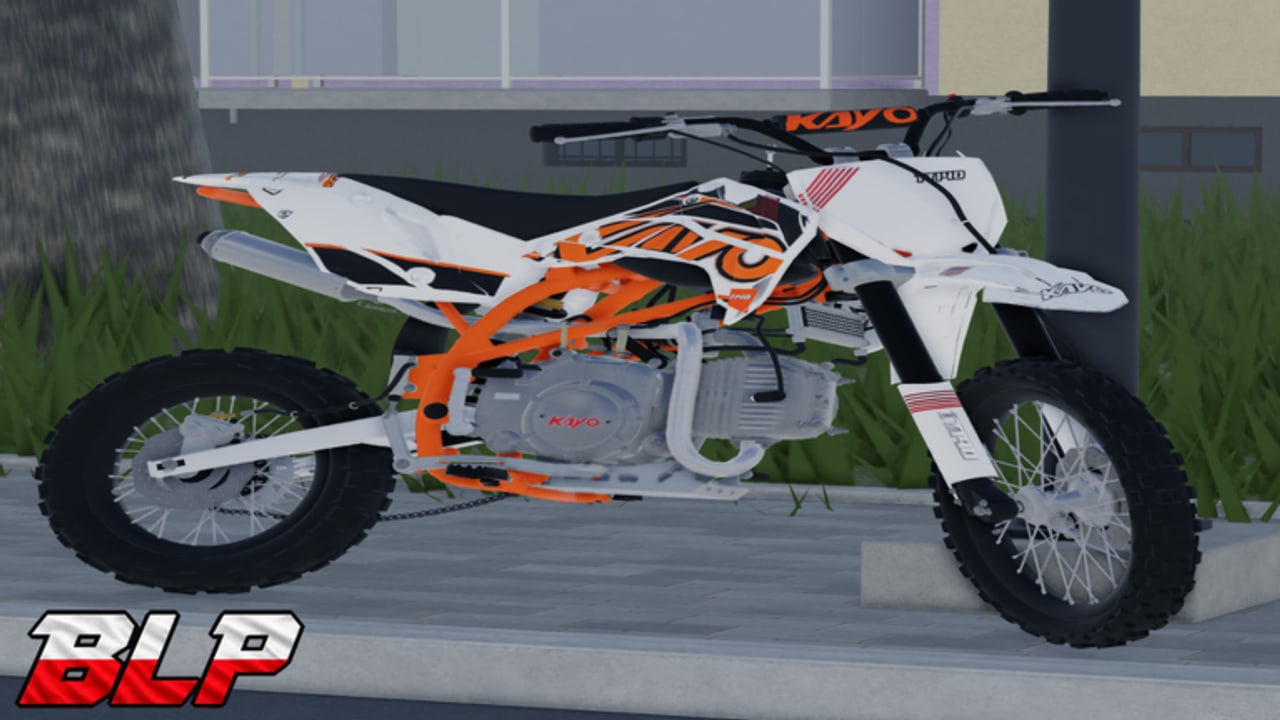
Good control habits matter more in Bikelife Poland than raw bike power. The open Polish town, forest trails, and delivery routes punish panic steering and reward smooth throttle, clean gear changes, and deliberate camera work. This guide explains the actions every rider must understand on PC, Console, and Mobile, and it refuses to invent precise keybinds that can change after a Roblox patch. Treat the in-game Settings / controls panel as the only source of truth for what each button currently does.
Read this after Getting Started, then practice the same inputs while grinding jobs in How to Earn Money and balancing long holds in Wheelie Tips. When you customize ergonomics in the Garage or hunt landmarks on the Map, the same muscle memory carries over.
Golden rule: verify in Settings
Open the main menu → Settings every time you return after an update listed on Updates. Confirm:
- Throttle / accelerate
- Brake / slow
- Steer left and right
- Gear up and gear down
- Wheelie / balance related inputs
- Camera cycle or first-person toggle
- Any mobile on-screen button layout options
If a creator video disagrees with your Settings screen, trust Settings. Community overlays go stale; your live panel does not.
Core riding actions
Throttle and steering
Throttle builds speed; steering aims the bike through town streets, field cut-throughs, and forest lines. Feed power progressively out of corners instead of slamming full throttle on loose dirt. On asphalt near shops and gas stations, small steering corrections keep deliveries tidy. On trails, look ahead—trees and elevation punish late reactions more than flat town blocks do.
Braking and Stop
Learn to scrub speed before intersections and drop-offs. When you need a clean halt for a phone hand-off or screenshot, use the menu Stop flow so you are not fighting residual throttle. Braking early also reduces slapstick crashes that chew time and can involve fender damage visuals after hard hits.
Gears
Dirt and enduro bikes in the 30+ roster—from Yamaha DT 50 and YZ 85 up through KTM and Husqvarna 450 class, Surrons, and Stark Varg—reward riding in the right gear. Shift up as speed climbs; shift down when you climb, crawl through town traffic, or prepare a controlled wheelie. If the bike feels gutless or screamy, open Settings and confirm gear-up / gear-down before blaming the machine. Pair gear comfort with bike choice advice on the Tier List.
Wheelie control
Wheelie input (whatever your current bind is) lifts the front. Balance is a conversation between throttle, lean, and patience—not a single panic tap. Practice on quiet town roads before forest whoops. Scoreboard chasing belongs in Wheelie Tips; here, just make sure the action is bound and reachable without dropping steering accuracy.
Camera and presentation settings
Bikelife Poland supports a first-person (FP) camera and stretch resolution options players look for in Settings. Third-person helps new riders judge bike width in alleys; first-person sells immersion on long forest drones and wheelie attempts. Stretch res is a preference—try both and keep what helps you see apexes and delivery pins.
When learning a new bike from the Dealer, spend two minutes in an empty lot switching camera modes. The “right” camera is the one that lets you hit Phone drop-offs without constant menu map peeks—though you should still learn the Map Guide landmarks.
Platform notes: PC, Console, Mobile
PC players usually have the most flexible binding surface. Expect classic movement-style steering with dedicated gear and wheelie keys once you confirm them in Settings. Mouse look or camera modifiers may exist depending on the current build—check the panel rather than assuming.
Console players should prioritize comfortable shoulder or face-button placement for gears and wheelie so thumbs stay on steering. Recheck binds after every patch; console layouts sometimes shift when new Settings toggles appear.
Mobile players rely on on-screen controls. Reduce clutter where the UI allows, keep throttle and brake reachable without covering the map ping, and consider a shorter camera distance if the default makes trail reading hard. Touch precision for wheelies takes practice—use flat town roads first.
All three platforms share the same economic loop and bike roster; only the input surface changes. Do not assume a PC tutorial’s exact keys apply to your phone.
Suggested practice drills (15 minutes)
- Straight-line throttle roll-on — accelerate smoothly for 100 meters, brake to a Stop, repeat.
- Gear ladder — shift up through your range, then down to a crawl without stalling your rhythm.
- Camera swap — ride the same block in third-person and first-person; note which helps deliveries.
- Mini wheelie — short lifts only; abort early if balance fails.
- Fuel awareness ride — loop past a gas station or EV charger so the location sticks before a long parcel job.
Log how each drill feels on your current bike. A KO 150cc 11hp or DT 50 teaches patience; a YZ 125 or KTM 250 teaches faster corrections. Upgrade only when control quality—not ego—asks for more power.
Controls checklist before every session
- Open Settings; confirm throttle, steer, brake, gears, wheelie, camera.
- Equip helmet (free Arrow / Army are fine) so you are not distracted mid-ride.
- Spawn bike from the Bike menu; glance at fuel.
- Set camera mode for today’s goal (deliveries vs wheelie practice).
- Skim Codes if you have not redeemed lately—economy still matters.
Troubleshooting “it feels wrong”
Bike surges or feels stuck in the wrong gear — rebind or re-learn gear up/down; try a lower displacement bike while you retrain. Wheelie instantly loops out — less throttle, flatter road, read Wheelie Tips. Cannot find FP camera — dig through Settings toggles again after updates. Mobile buttons overlap — adjust UI scale / layout if available, or hold the device so thumbs clear the map widget. Crashing into everything in town — slow down, brake earlier, use Map pins instead of guessing.
Link your skills to the rest of the wiki
Controls are the foundation under money and style. Smooth inputs mean faster deliveries, safer forest lines, cleaner garage showcase clips, and higher wheelie scores. When you are ready to spend złoty, combine this page with Getting Started, How to Earn Money, Garage Customization, and the Tier List. For third-party automation talk, see Scripts and understand the risks before you touch anything.
Master the actions, verify the binds, then ride the Polish countryside like the next parcel depends on your left-hand calm—because it does.
Frequently Asked Questions
Quick answers about codes, bikes, jobs, and riding in Bikelife Poland.
What are the exact keybinds for Bikelife Poland?
Exact binds can change between updates. Open Settings → controls in-game and confirm throttle, steer, gears, wheelie, and camera for your platform.
Does Bikelife Poland support Console and Mobile?
Yes. The experience supports PC, Console, and Mobile. Each platform uses a different input surface, so always verify controls in Settings after joining.
How do I enable first-person camera or stretch resolution?
Both are available through Settings. Toggle first-person for immersion and try stretch resolution if you prefer that presentation—keep whatever helps you ride accurately.
Why do my gears feel wrong on a new bike?
Confirm gear up/down in Settings, then relearn the powerband of that model. Lower displacement bikes are better training tools before KTM or Husqvarna 450 class machines.
Where should I practice wheelie controls?
Start on quiet town roads, then move to trails. Read the Wheelie Tips guide for balance advice and scoreboard goals once the input feels reachable.